KizukiGet in touch
Mobile apps

Native and Flutter apps for iOS, Android and Huawei

I design, build and release mobile apps, then look after them once they're live. Choose the approach that fits your users and budget, and I'll tell you honestly which that is.

Native

iOS

Native iPhone and iPad apps using Swift and SwiftUI, including widgets, Face ID, background location and on-device Apple Intelligence features.

Native

Android

Native Android apps in Kotlin, built to the platform conventions your users expect and kept current with new Android releases.

Cross-platform

Flutter

One codebase for iOS and Android when budget or speed matter most, without giving up a polished, native feel.

AppGallery & HMS

Huawei

Apps for Huawei devices, which ship without Google services. I build or port apps using Huawei Mobile Services and publish them to AppGallery.

What I can help with

  • New app builds and MVPs, scoped to a fixed price where possible
  • Porting an existing Android app to Huawei AppGallery and HMS
  • Audits and rescue of apps with crashes, slow performance or outdated SDKs
  • App Store, Google Play and AppGallery submission, listings and review rejections
  • AI features inside your app, such as summaries, assistants and image generation
  • Maintenance retainers for OS updates, fixes and small improvements
Apps I've built

A look at my own apps

Three iPhone apps I designed and built myself. They show how I work: simple interfaces, privacy-minded design and polish in the details.
Paint app icon
iOS

Paint

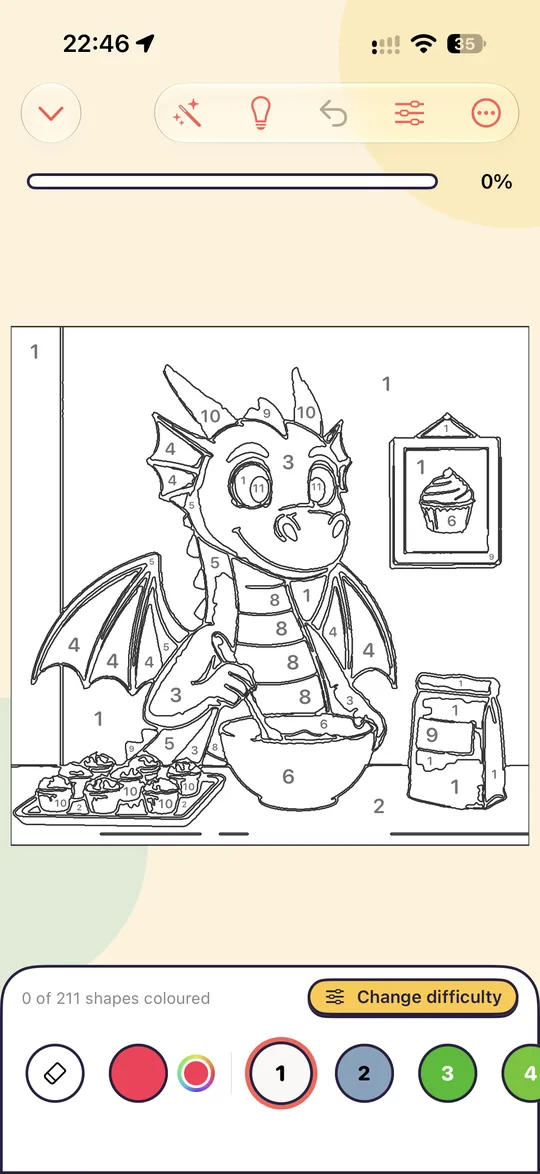
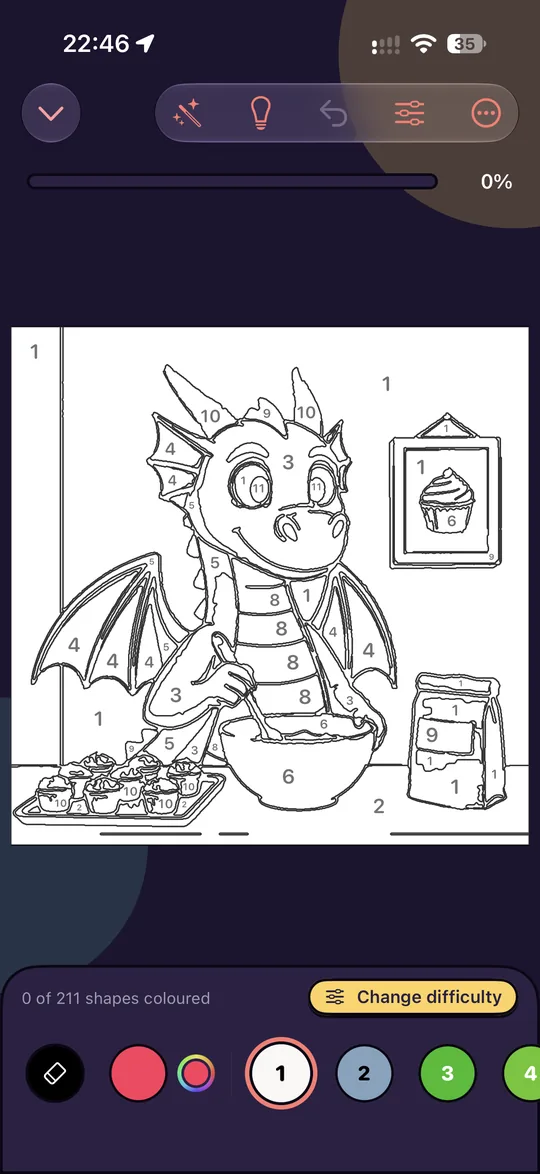
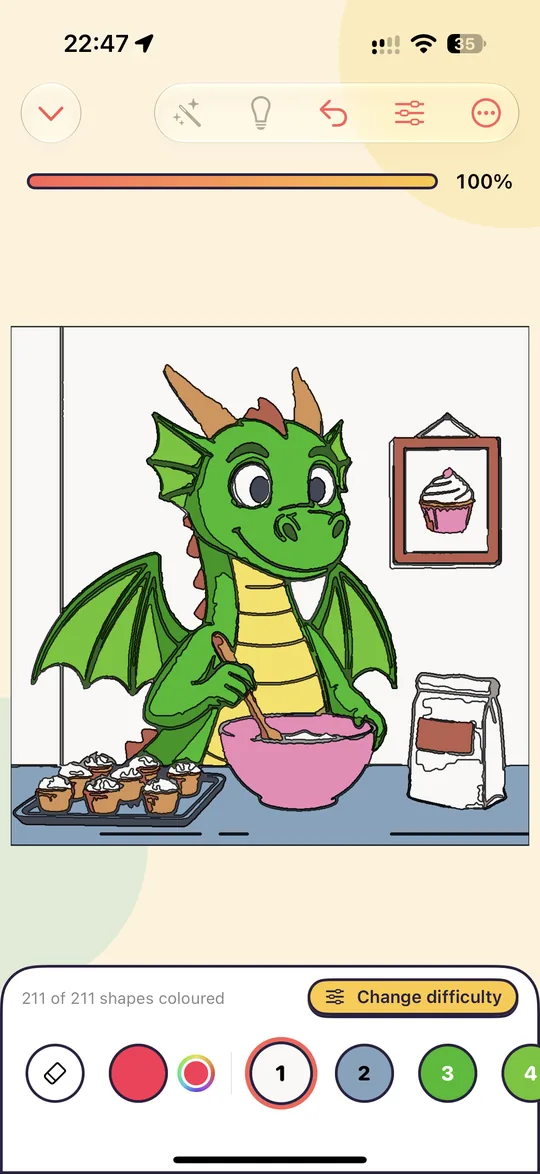
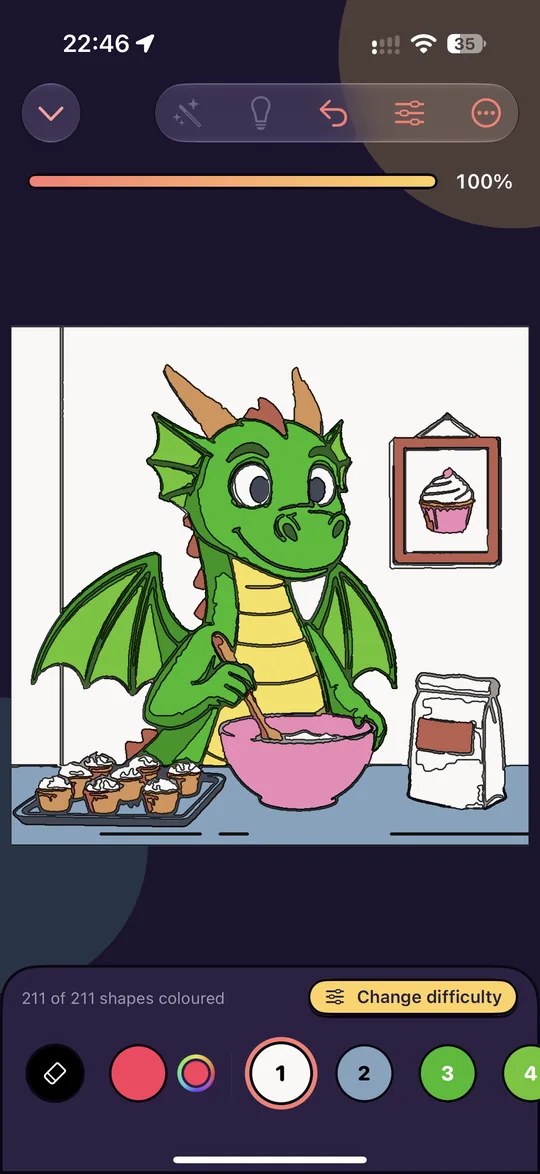
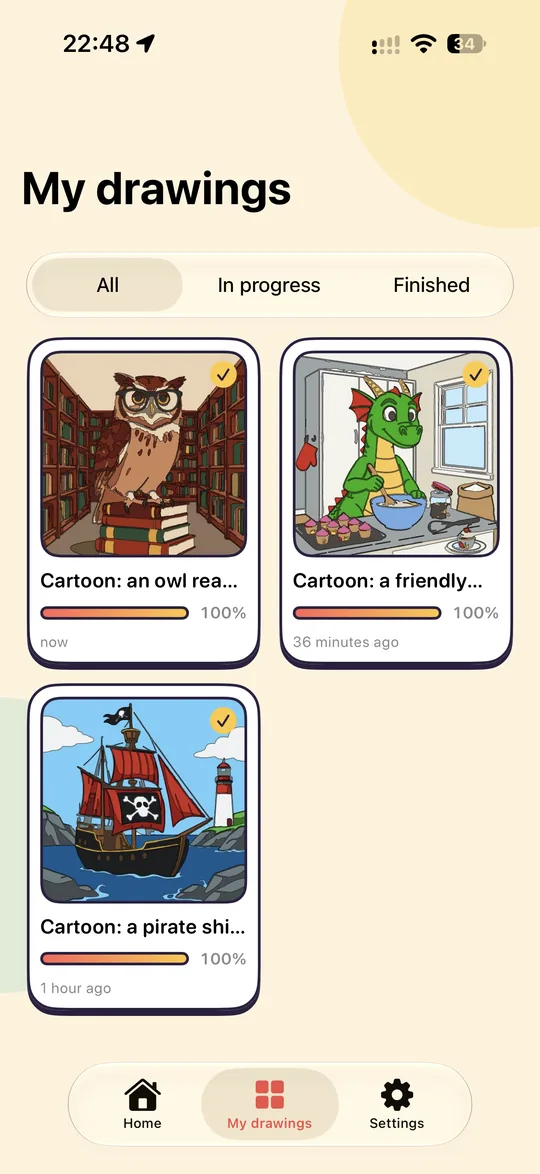
Turns any picture into a colouring-by-numbers page. Pick a photo, or describe a cartoon and let Apple Intelligence draw it. Paint finds the shapes, outlines them and numbers each one, then you tap a shape to fill it with the matching colour.
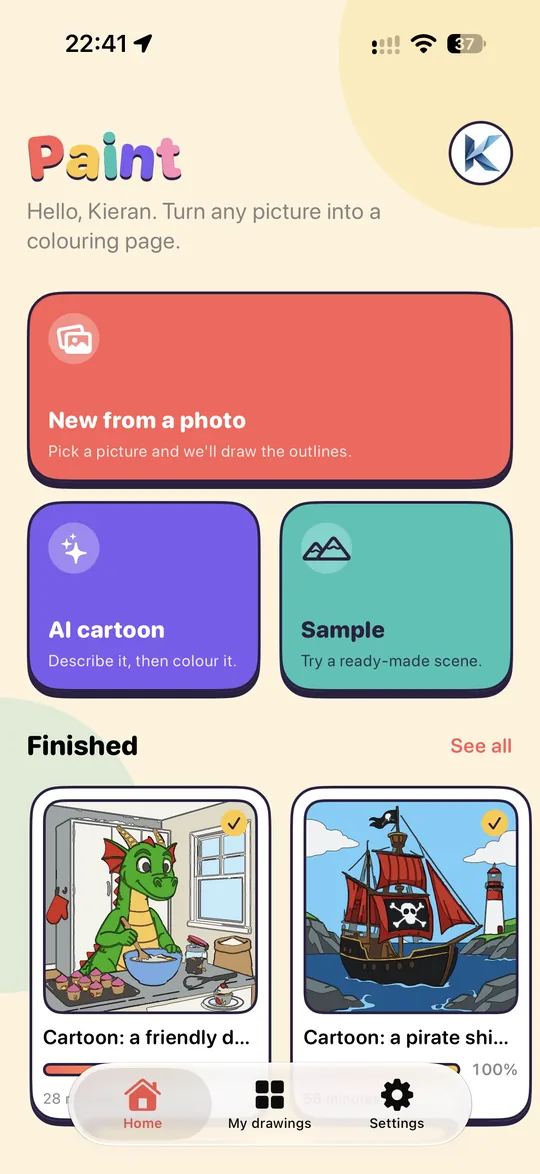
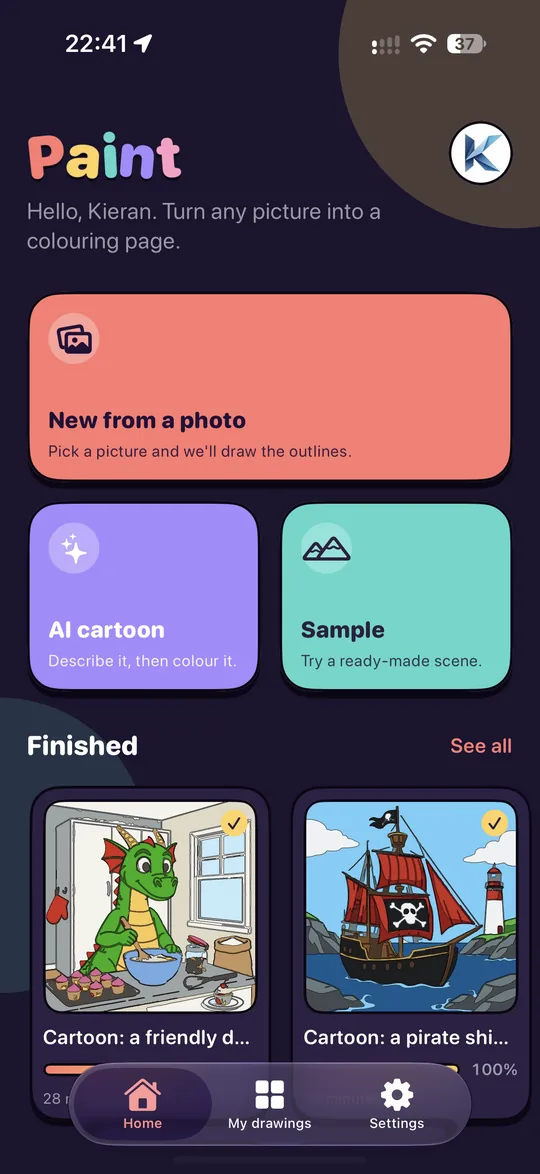
  • Your pictures: turn family photos, pets or holiday snaps into colouring pages
  • AI cartoons: describe an idea and colour what you get
  • Choose how many colours and how fine the outlines are
  • Profiles, automatic saving and saving finished pictures to Photos
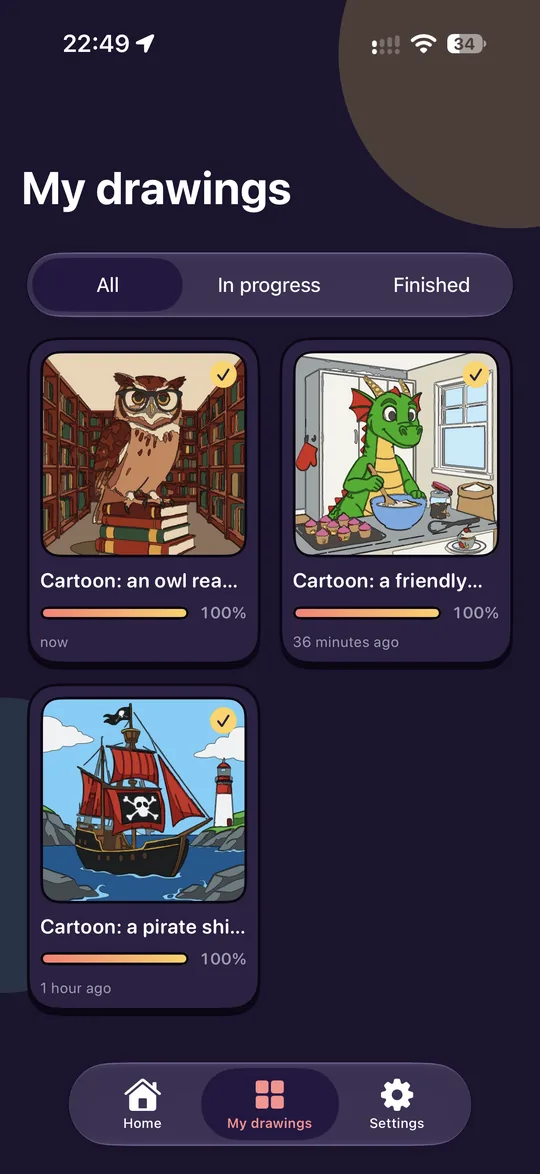
Paint screenshot 1, light modePaint screenshot 1, dark mode
Paint screenshot 2, light modePaint screenshot 2, dark mode
Paint screenshot 3, light modePaint screenshot 3, dark mode
Paint screenshot 4, light modePaint screenshot 4, dark mode
Schengen Days app icon
iOS

Schengen Days

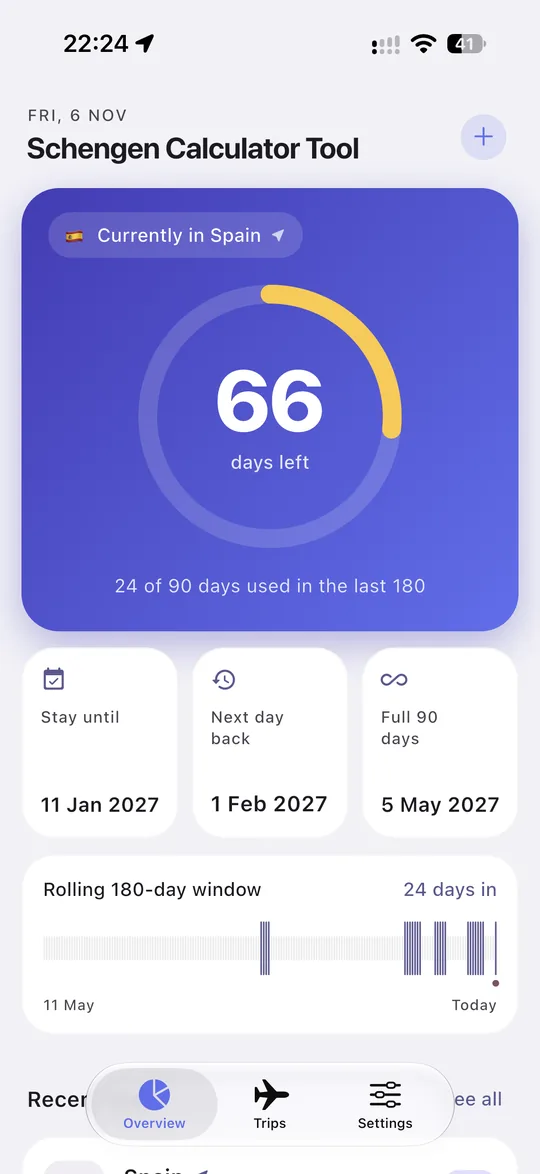
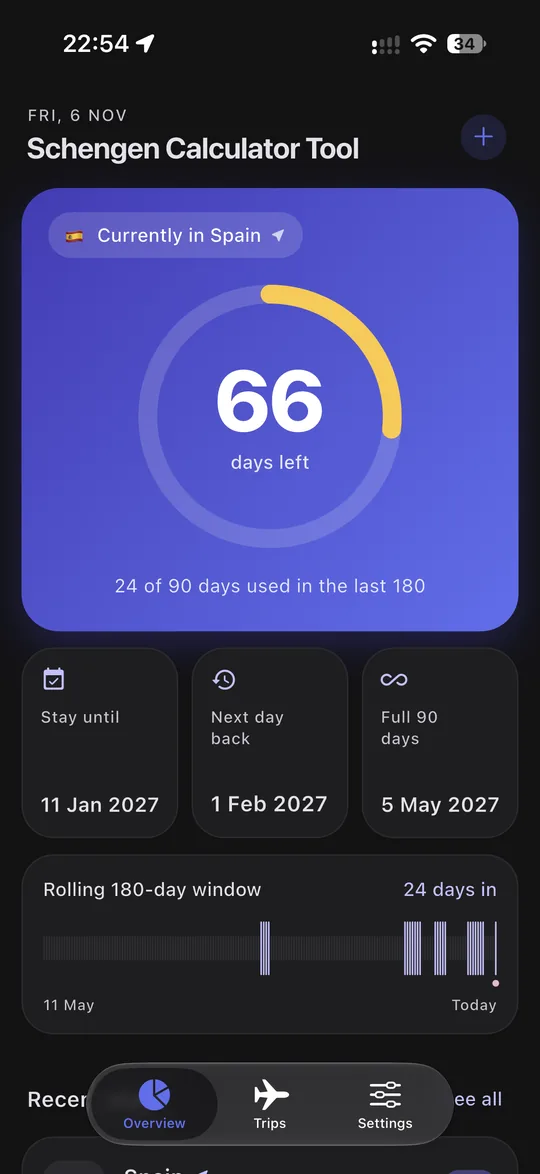
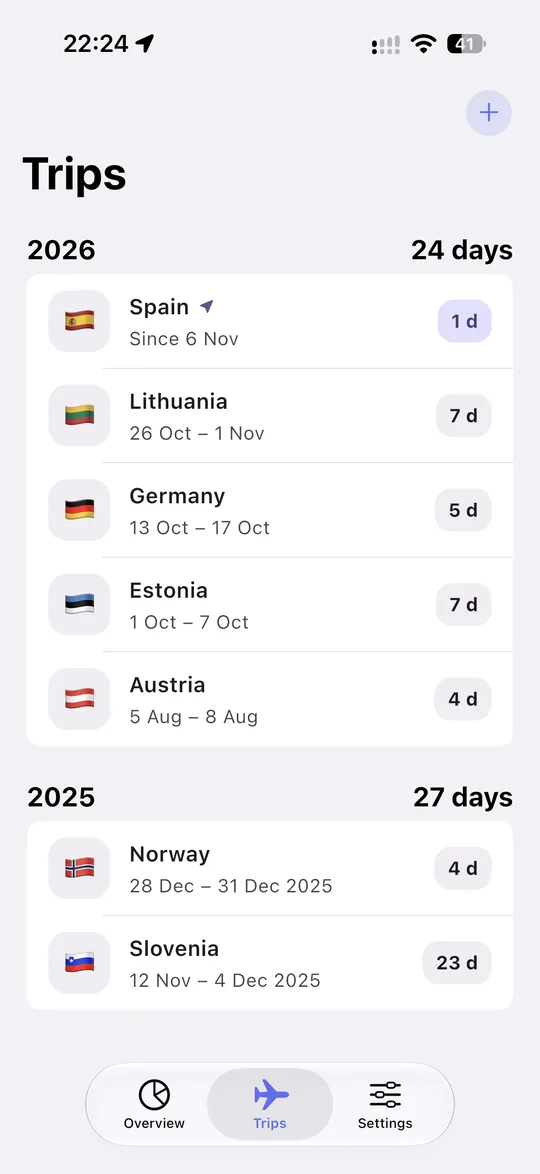
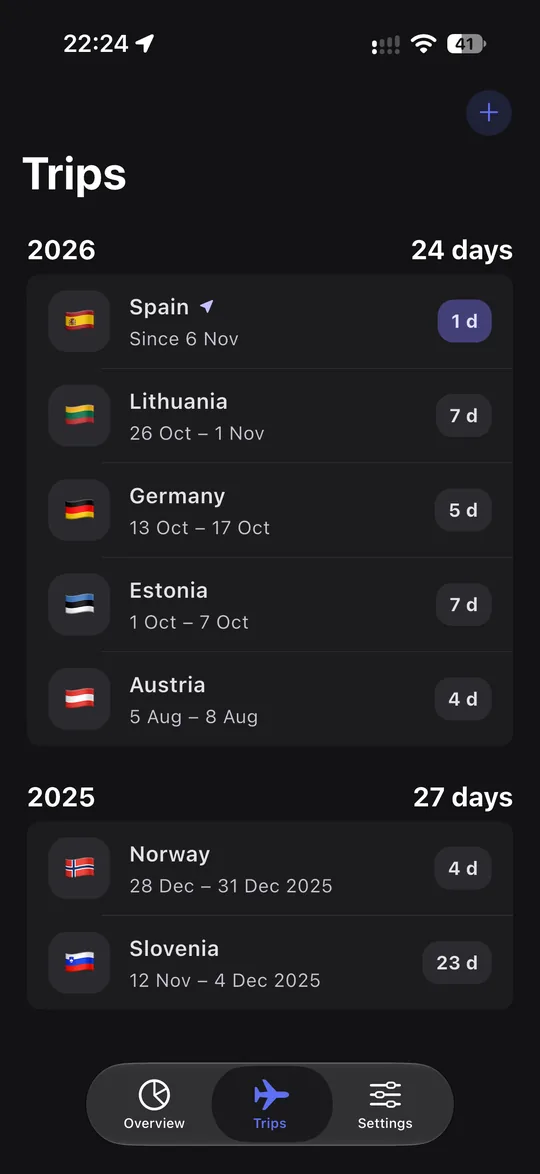
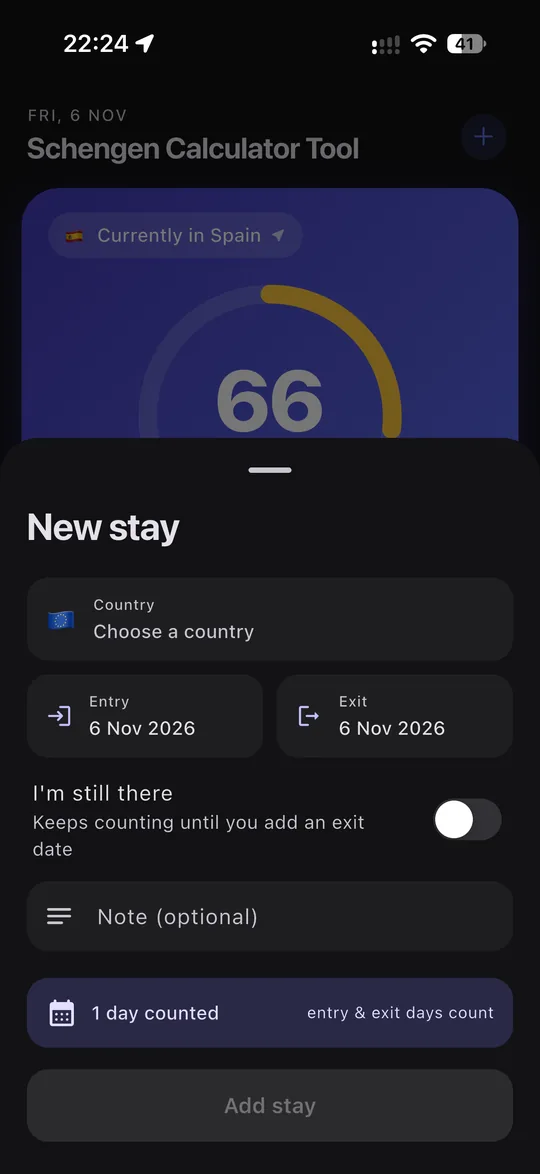
A simple 90/180-day tracker for anyone who spends time in the Schengen Area. It shows how many days you've used and how many are left, can log which country you're in as you cross borders, and alerts you as you near your limit.
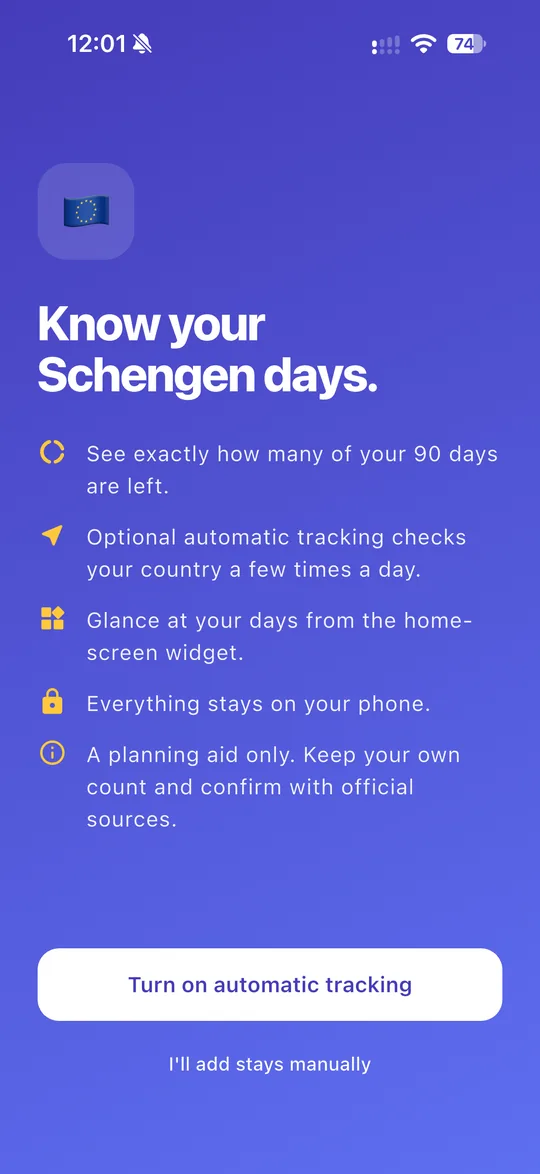
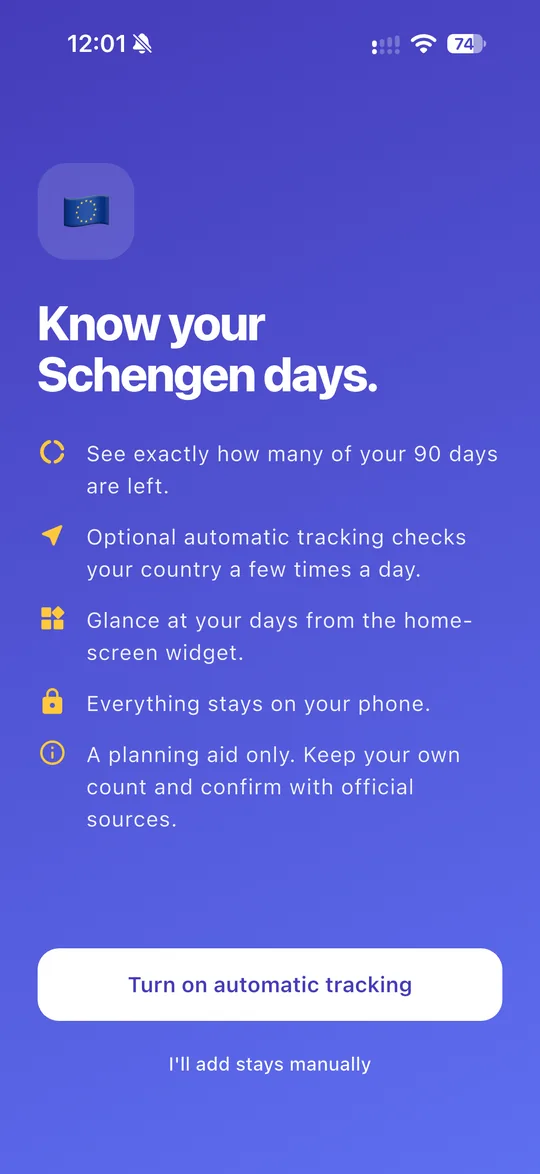
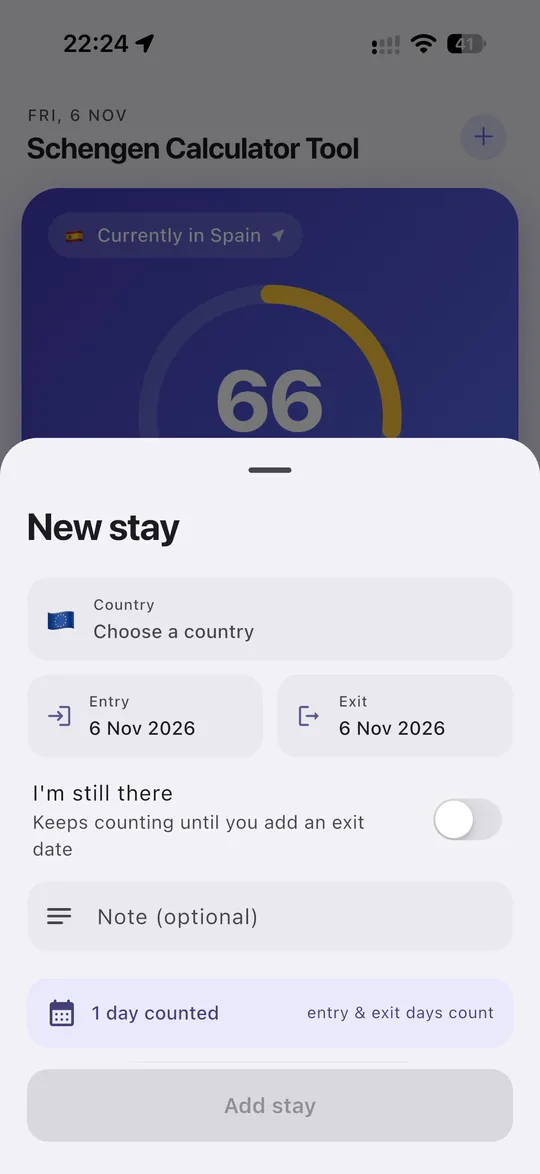
  • Optional automatic tracking, or add and edit stays by hand
  • Home-screen and lock-screen widgets
  • Your data stays on your device: no accounts, ads or analytics
  • Export a backup or a spreadsheet whenever you like
Schengen Days screenshot 1, light modeSchengen Days screenshot 1, dark mode
Schengen Days screenshot 2, light modeSchengen Days screenshot 2, dark mode
Schengen Days screenshot 3, light modeSchengen Days screenshot 3, dark mode
Schengen Days screenshot 4, light modeSchengen Days screenshot 4, dark mode

A planning aid, not legal or immigration advice. Always confirm your days with official sources.

Christmas List & Gift Planner app icon
iOS

Christmas List & Gift Planner

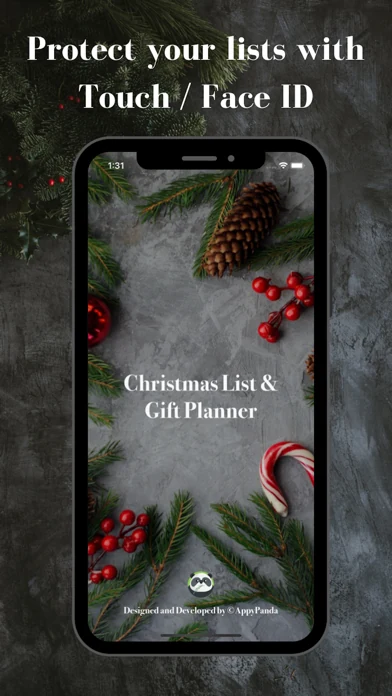
Stay on top of your Christmas shopping. Make a wishlist for each person you're buying for, set a budget, add gift ideas with prices and notes, and tick gifts off as you buy them while a progress bar shows what's left.
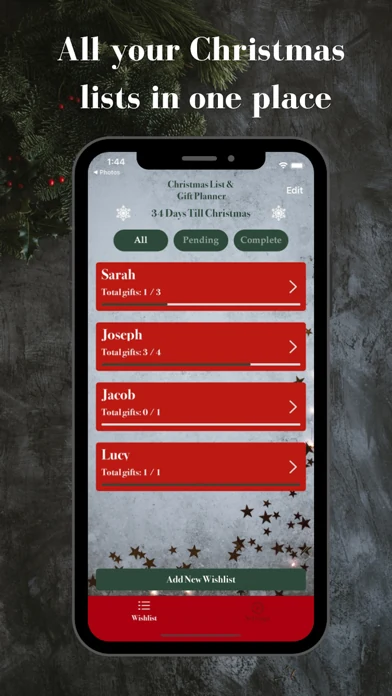
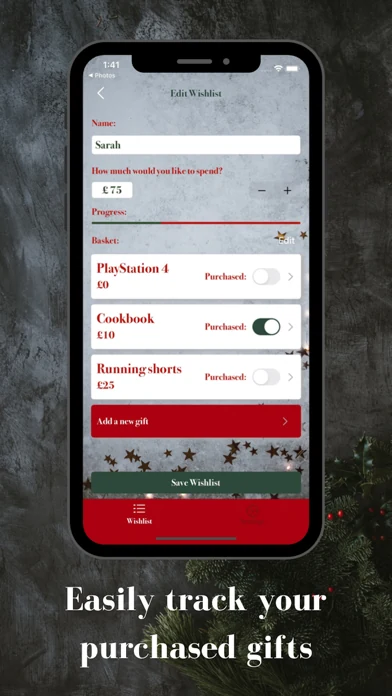
  • A wishlist per person, with budgets, prices and notes
  • Filter by in progress or completed, with a countdown to Christmas
  • Lock the app with Face ID to keep gift plans private
  • Free for up to three lists, with a premium upgrade
Christmas List and Gift Planner screenshot 1
Christmas List and Gift Planner screenshot 2
Christmas List and Gift Planner screenshot 3

Have an app in mind?

Tell me what you're building and I'll get back to you within one working day.

Discuss your app